Last updated on: September 5th, 2026 00:22 am
In the world of physical security, the term access control turnstile is often used, but what does it really mean? Is it the gate itself, or the system that controls it?
The answer lies in the integration. An access control turnstile is the powerful combination of a mechanical pedestrian gate and an electronic access control system. This integration creates a seamless, secure, and automated solution for managing entry and exit in facilities ranging from office lobbies to industrial sites.
This guide explains how access control turnstiles work, how to connect them to your system, and how to troubleshoot common issues.
What is an Access Control Turnstile?
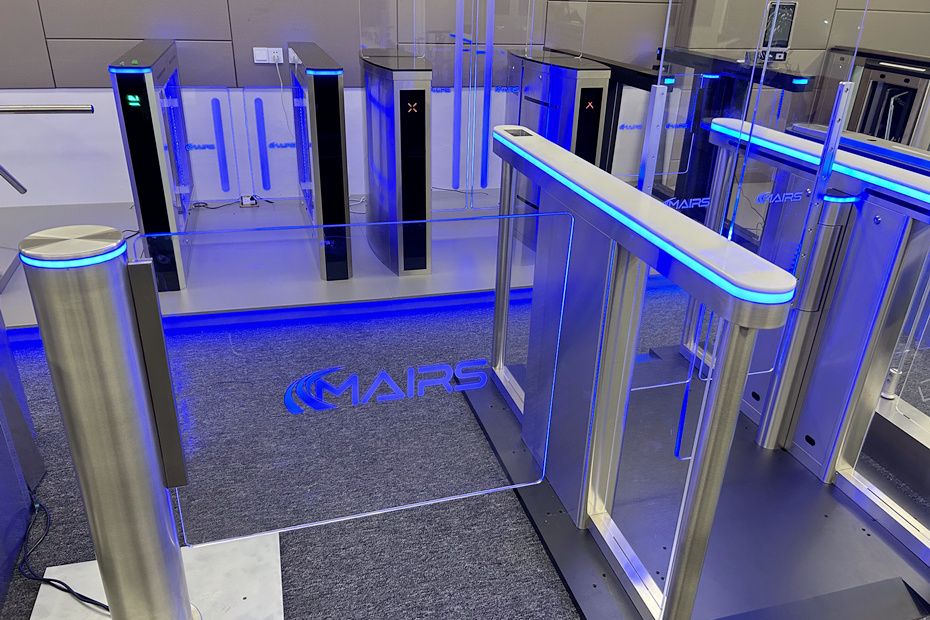
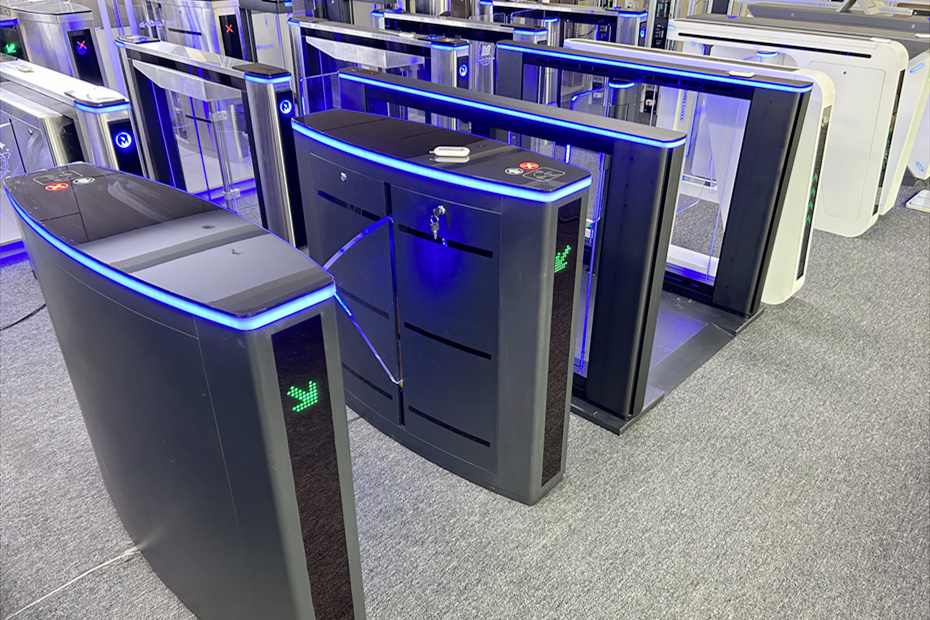
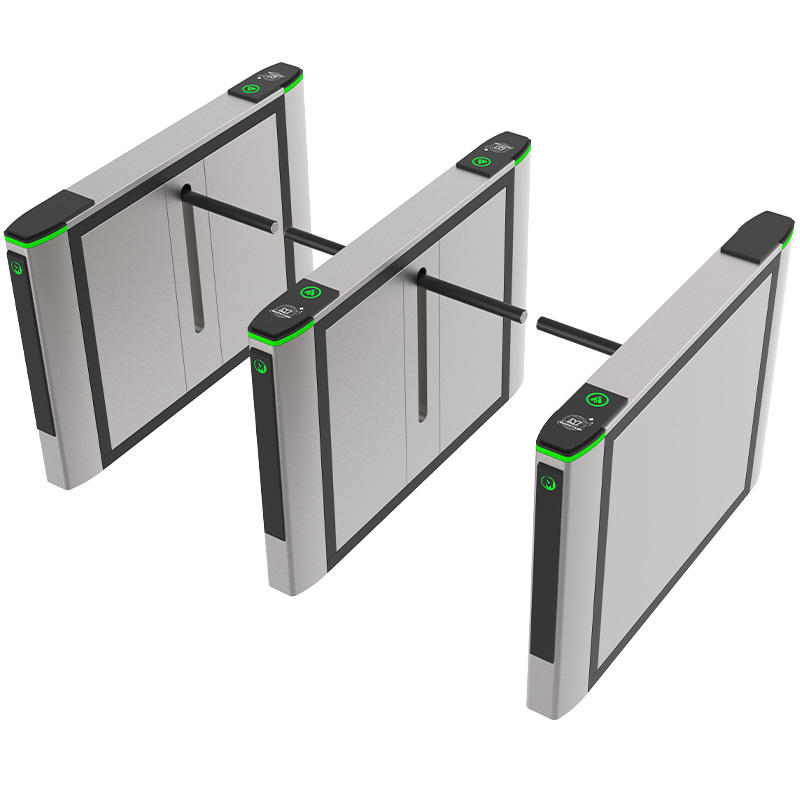
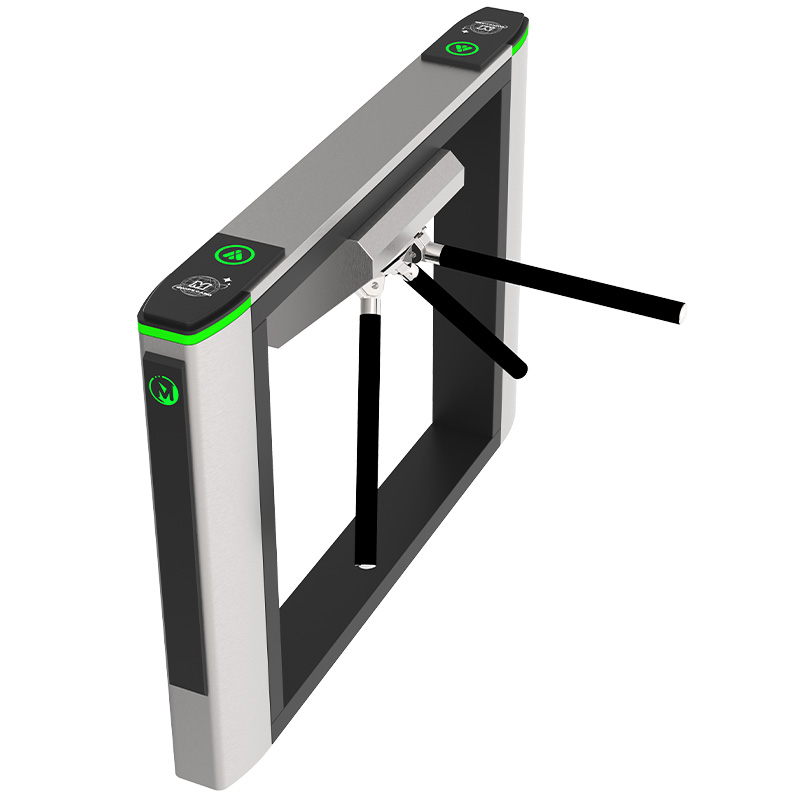
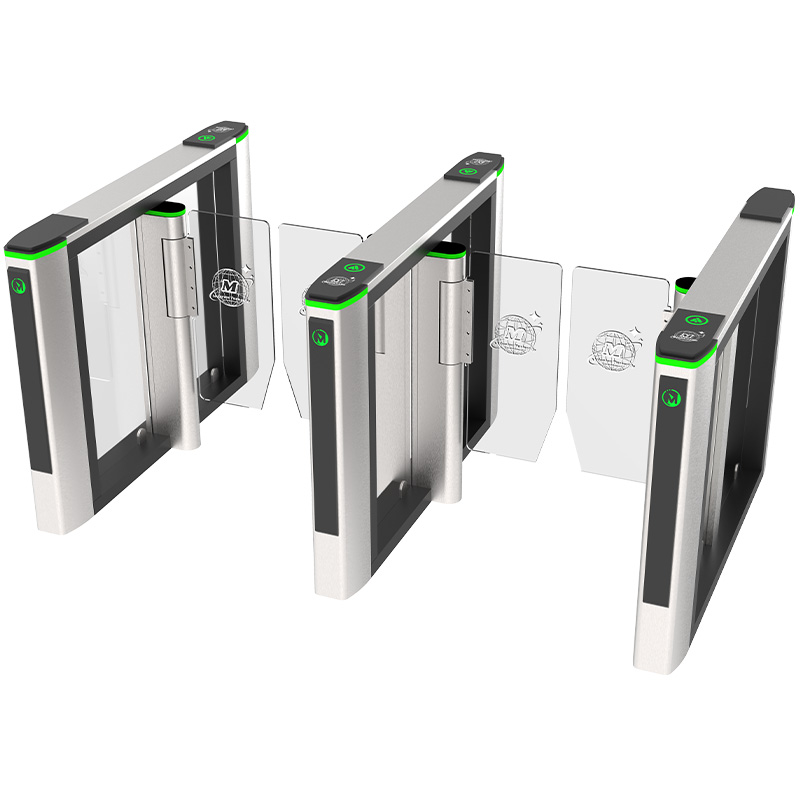
An access control turnstile is any type of pedestrian security turnstile gate (such as a tripod, swing, flap barrier, or full-height turnstile) that is integrated with an electronic access control system.
While a basic turnstile can physically block a passage, it is the connection to an access controller that gives it “intelligence.” This integration allows the turnstile to:
Verify user credentials (cards, fingerprints, facial recognition).
Log entry and exit times.
Communicate with central management software.
Prevent unauthorized access in real-time.
In short, the access control turnstile is the physical barrier, and the access control system is the brain that decides when to open it.
In theory, Any type of turnstile gate needs to be integrated with access control systems to achieve more functions. Except for some manual original turnstile gates that only require simple functions, most turnstile gates nowadays can be called access control turnstiles.
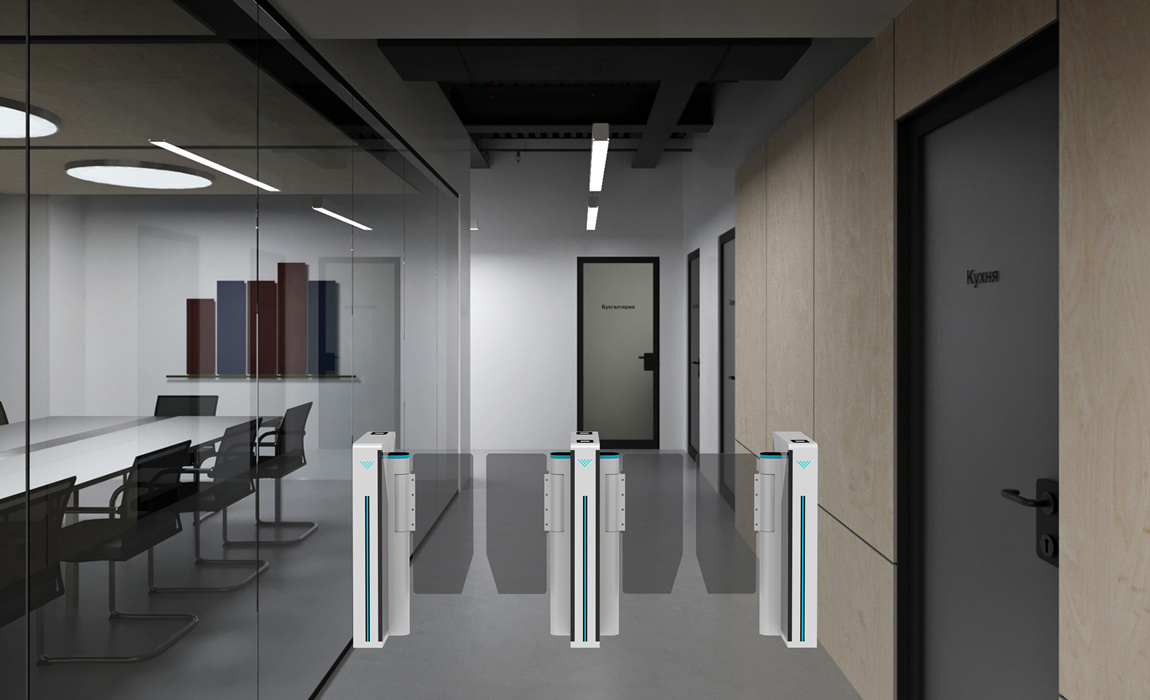
An access control turnstile is mainly applied in entrance and exit scenarios such as urban rail transit, office buildings, factories, public transportation systems, stadiums, and other facilities where controlled entry is required.
How to Connect a Turnstile to an Access Controller
Integrating a turnstile with a third-party access control system is a standard procedure, but it requires careful attention to the wiring diagram. Here is a general guide. Always refer to the specific wiring diagram provided by your turnstile manufacturer.
Step-by-Step Wiring Guide
1. Card Reader Wiring
The card reader is physically installed on the turnstile chassis.
Connect the reader’s data cables (usually Wiegand or RS485) to the corresponding terminals on the access controller, not directly to the turnstile board. The access controller interprets the reader’s signal.
2. Power Supply
Access controllers typically require a 12V DC power supply.
This power can often be taken from the main power supply inside the turnstile chassis, ensuring the controller powers on only when the turnstile is on. Check the power capacity to avoid overloading.
3. Open Signal Wiring (The Critical Connection)
This is the link between the access controller and the turnstile.
Locate the “open signal” input terminals on the turnstile’s main control board (often labeled “OPEN,” “GND,” or “COM/NO”).
Connect the corresponding “dry contact” output from the access controller to these terminals.
When the controller grants access, it closes this circuit, sending a signal to the turnstile to open.
4. System Debugging
After all connections are made, power on the system.
Test the function by presenting a valid and an invalid credential.
Check that the turnstile opens only for valid credentials.
Verify that the access control software logs the events correctly.
Note: Different access controllers and turnstile models may have slightly different wiring configurations. Strictly following the supplier’s wiring diagram is essential for a successful installation.
If you are integrating Mairs Turnstiles with your own access control system, our technical team is here to help. Contact us for support or to request a wiring diagram.

Turnstile & access control system: What’s the Difference?
This is a common point of confusion. Let’s clarify:
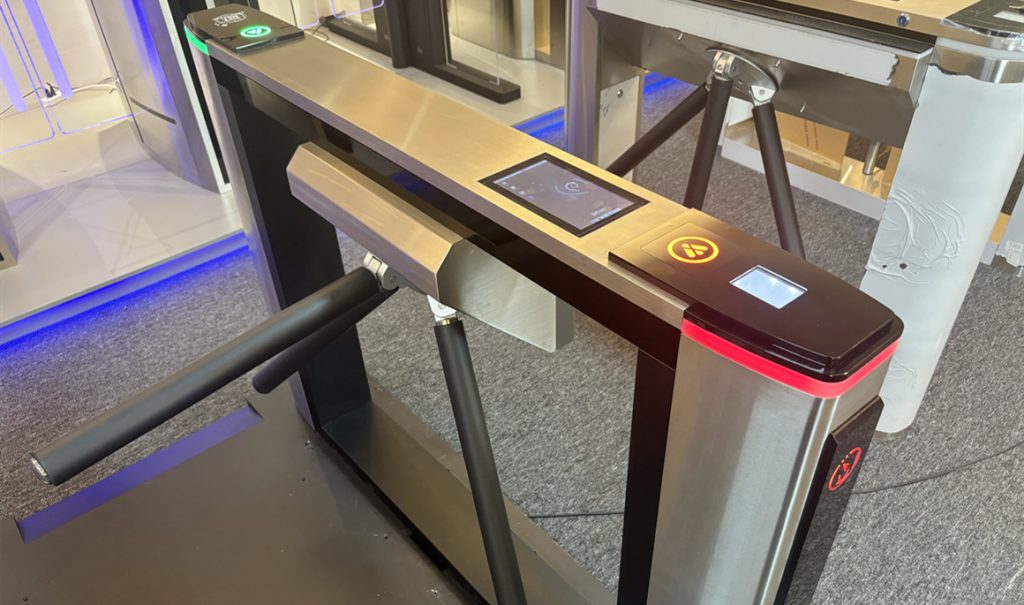
The Turnstile (Hardware): This is the physical gate itself. Examples include tripod turnstiles, swing gates, and flap barriers. It is the mechanical part that blocks or allows passage. Without a controller, it is just a gate.
The Access Control System (Software & Controller): This is the electronic “brain.” It includes the access controller hardware, the management software, and the credentials (cards, fobs). It makes the decisions about who is allowed to pass and when.
The Access Control Turnstile (Integrated Solution): This is the complete system where the turnstile hardware is connected to and controlled by the access control system. The controller sends an “open” signal to the turnstile when a valid credential is presented.
Analogy: Think of the turnstile as a door, and the access control system as the person with the key who decides when to unlock it.
How Does an Access Control Turnstile Work?
The working principle is a coordinated dance between mechanical action and electronic intelligence.
Credential Presentation: A user approaches the turnstile and presents a credential (swipes a card, presents a QR code, or looks at a facial recognition camera).
Data Transmission: The reader sends this credential data to the access controller.
Decision Making: The access controller checks the credential against its database of authorized users. Is the card valid? Does this user have permission to enter at this time?
Signal Transmission: If the credential is valid, the access controller sends a dry contact “open” signal to the turnstile’s main control board.
Mechanical Action: The turnstile’s motor or mechanism receives the signal and unlocks or opens the barrier (arms rotate, flaps retract, or swing arms open).
Passage & Detection: The user passes through. Infrared sensors detect the passage and confirm the person has cleared the lane.
Reset: The turnstile mechanism resets and locks, ready for the next user. If no one passes within a set time, the gate automatically closes and cancels the authorization.
Key Features and Benefits of Access Control Turnstiles
When you integrate a turnstile with an access control system, you unlock a host of powerful features.
| Feature | Benefit |
|---|---|
| Integration with Access Control | Centralized management of user permissions and real-time monitoring from a single software platform. |
| Biometric Authentication | High-security, non-transferable access using fingerprints or facial recognition. Eliminates lost card issues. |
| Card Reader Compatibility | Support for RFID, smart cards, and mobile credentials for flexible, user-friendly access. |
| Directional Control | Prevents tailgating and enforces one-way traffic flow, ensuring that each authorization allows only one person to pass. |
| Automated Operation | Reduces the need for manual security guards at every entrance, lowering long-term labor costs. |
| Durable Construction | Built from materials like 304 stainless steel to withstand continuous, high-traffic use. |
| Data Logging & Reporting | Automatically records all entry/exit events, providing valuable data for attendance, safety audits, and investigations. |
| Deterrence | The physical presence of a turnstile acts as a powerful visual deterrent against unauthorized entry attempts. |
Common Faults & Solutions for Access Control Turnstiles
Even the most robust systems can encounter issues. Here are common problems and how to troubleshoot them.
| Problem | Possible Cause & Solution |
|---|---|
| After authorization, one gate opens, but the other does not. | Cause: SYNC communication failure between the two cabinets. Solution: Check the synchronization cable connecting the two gates. Ensure it is securely plugged into both main boards. |
| The system has power, but the turnstile does not respond to a valid card. | Cause: Mechanism jam or motor failure. Solution: 1. Check for voltage at the motor terminals. 2. If power is present, try manually resetting the mechanism. 3. If the mechanism is stiff or damaged, it may need repair. |
| The turnstile receives the “open” signal (from controller), but the gate does not move. | Cause: Power supply issue or motor failure. Solution: 1. Check the transformer output and fuses. 2. Inspect motor wiring for loose connections. 3. If power and wiring are fine, the motor may be damaged. |
| The turnstile arms/barriers can be pushed open manually when in the locked position. | Cause: Worn mechanism, damaged slotted disc, or excessive mechanical clearance. Solution: This requires internal inspection. Contact the manufacturer for repair or replacement parts. |
| The gate opens but then fails to close. | Cause: Infrared sensor misalignment or obstruction. Solution: 1. Check if the infrared beams on both sides of the lane are aligned and free from dust or obstruction. 2. Verify the sensor indicator lights on the control board are functioning correctly during passage. |
| The direction indicator light is reversed or the alarm sounds incorrectly. | Cause: Control signal wires are connected backward on the main board. Solution: Swap the signal wires for the affected direction on the turnstile’s control board terminal. |

Find the Right Access Control Turnstile for Your Project
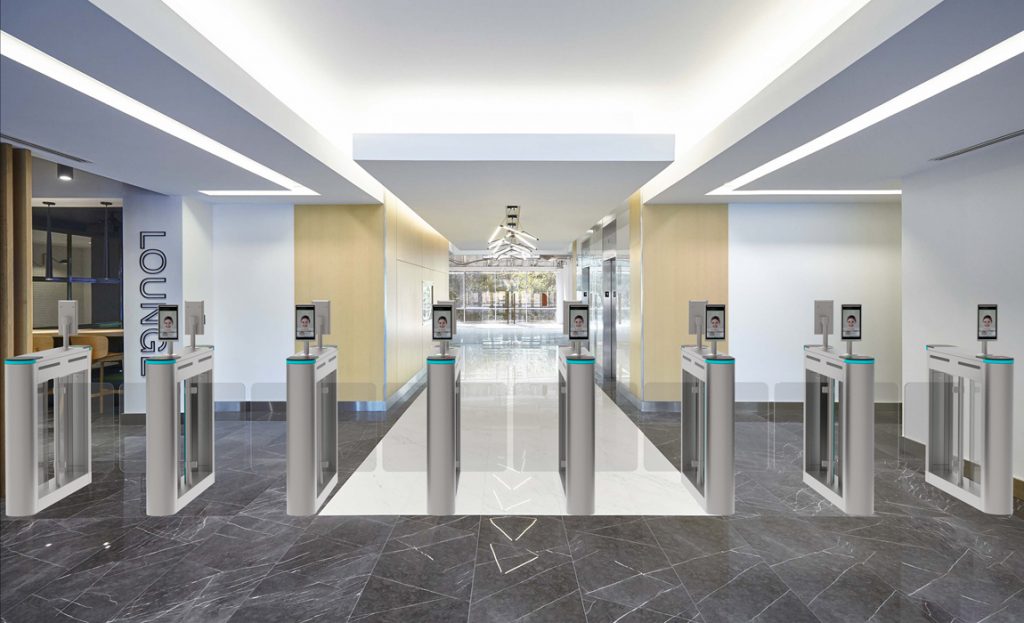
Whether you need a simple tripod turnstile for a factory or a sleek speed gate with facial recognition for a corporate lobby, Mairs Turnstile offers a full range of hardware that is designed for easy integration with leading access control systems.
Contact our team today to discuss your project requirements. We can help you select the perfect turnstile and provide the technical documentation you need for a seamless integration.