Last updated on: September 7th, 2026 14:30 pm
How to use turnstile? Whether you’re entering an office building, a subway station, or a gym, you’ve likely encountered a turnstile gate. For first-time users, they can sometimes be confusing. Knowing how to use a turnstile correctly ensures your safety, prevents equipment damage, and keeps traffic flowing smoothly for everyone.
This guide covers the basic steps for using different types of turnstiles, along with essential precautions to keep in mind.
Using a turnstile security barrier gate involves passing through a turnstile or a blocking barrier, typically in controlled access areas. The exact steps may vary slightly based on the types of access control turnstiles, but the general process is as follows:
How to use a turnstile?
While turnstile models vary, the core process is generally the same. Follow these three simple steps:
Step 1: Approach and Authenticate
Walk up to the turnstile and use the required method to prove you have access. The table below shows common authentication types.
| Turnstile Type | How to Authenticate |
|---|---|
| Card Reader Turnstile | Tap or hold your authorized RFID/IC card near the sensor area. Do not force the card into a slot unless it is a swipe reader. |
| QR Code Turnstile | Hold your phone or printed ticket with the QR code facing the scanner window. Keep it steady at a reasonable distance (usually 5-15cm). |
| Face Recognition Turnstile | Stop briefly and look directly at the camera screen. Glasses and minor changes in expression usually do not affect modern systems. |
| Fingerprint Turnstile | Place your registered finger flat on the sensor as instructed. Avoid pressing too hard or moving your finger during scanning. |
| Automatic Ticketing Gate | Insert or scan your ticket at the first gate. Proceed as directed, often pausing for a second gate for facial or ticket validation. |

Step 2: Wait for Authorization
After authenticating, wait for the system to respond. You will typically see:
A green light or arrow.
The unlocking of the turnstile arm or the opening of the barrier.
An audible beep indicates success.
Important: Do not push against the turnstile arm until you see or hear the confirmation signal. Pushing early can jam the mechanism or cause injury.
Step 3: Pass Through Promptly
Once the turnstile gate opens or unlocks, walk through confidently but calmly.
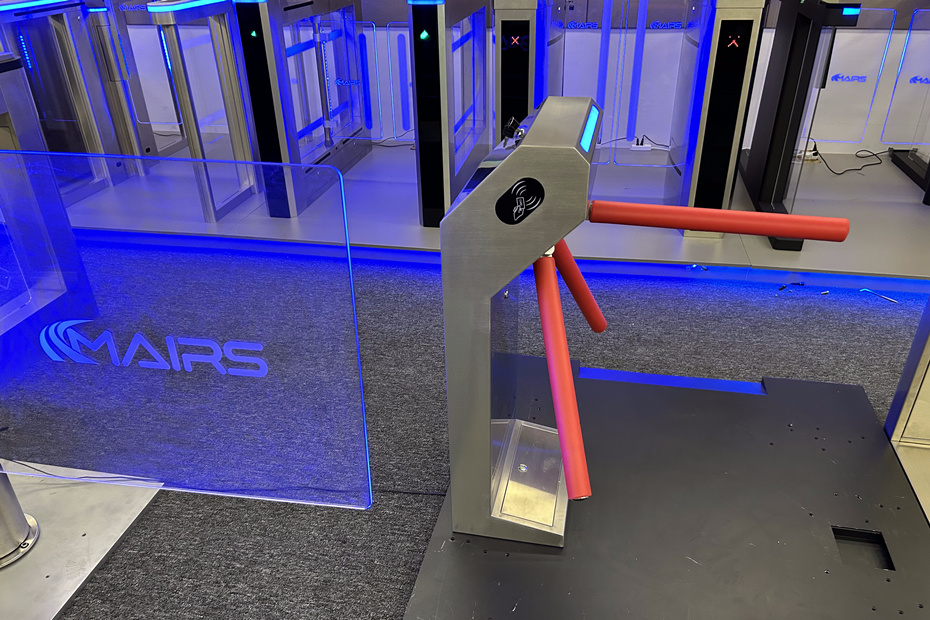
For tripod barrier gate turnstiles, push the arm gently as you walk through; it will rotate.
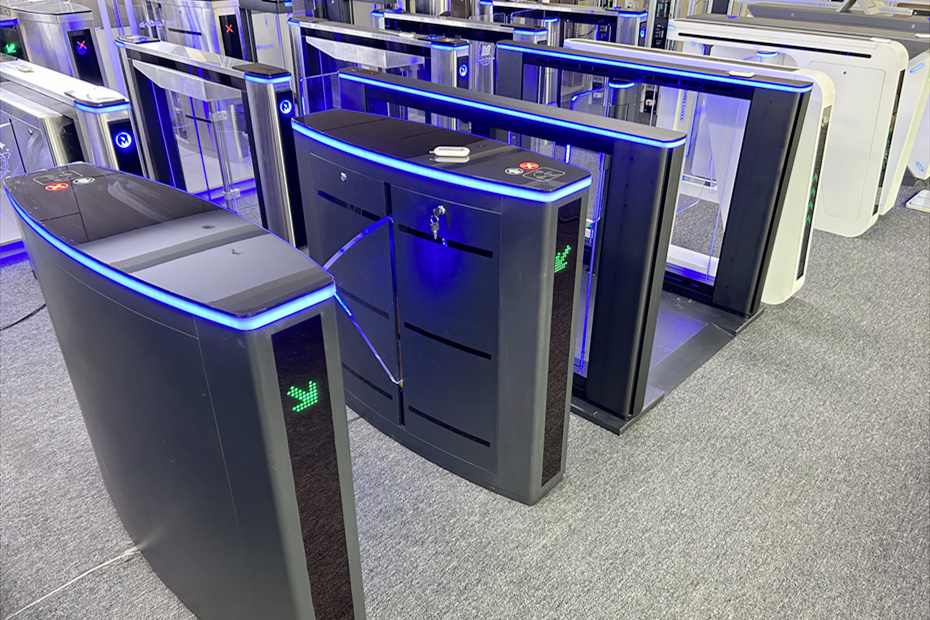
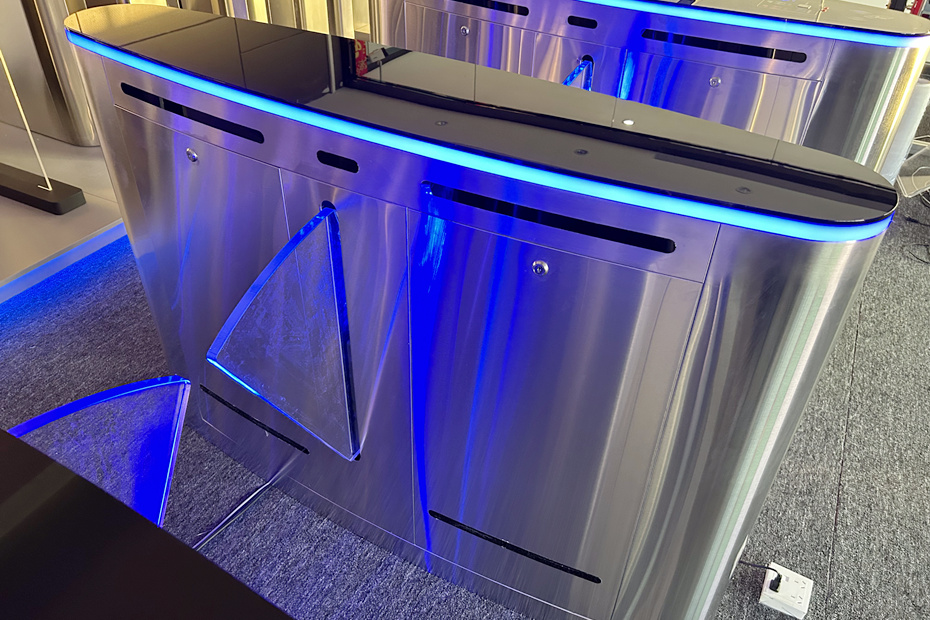
For flap turnstile security barriers or swing barrier gate security turnstiles, walk through the open lane without touching the doors.
Do not stop or linger in the middle of the passage. Move to the other side to allow the gate to close and the next person to use it.
Essential Precautions for Using Turnstiles
Knowing how to use a turnstile safely is just as important as knowing the steps. Following these guidelines will prevent accidents and equipment failure.
Before You Approach the Gate
Prepare Your Credential: Have your card, QR code, or fingerprint finger ready before you reach the turnstile. Fumbling at the reader causes delays.
Check the Directional Sign: Ensure the gate is actually open for your direction of travel (look for green arrows). Do not try to go the wrong way.
At the Gate
Stand Centered: Position yourself in the middle of the lane. Standing too close to the side can interfere with the infrared sensors that detect your passage.
One Person at a Time: Turnstiles are designed for single-file passage. Do not try to “piggyback” or walk through closely with another person. This triggers anti-tailgating alarms and can trap you inside the lane.
Do Not Force the Gate: If the gate does not open after your attempt, do not push against the arms or doors.
Why: Forcing a locked gate can damage the motor and the turnstile barrier gate mechanism.
What to do: Step back, check your credentials, and try again. If it still fails, seek assistance from security or staff.
Safety & Etiquette
No Climbing or Leaning: Never climb over a turnstile. Do not sit on or lean against the barriers when the gate is closed. This can damage the equipment and is a serious safety risk.
Keep Clear of Moving Parts: Pay attention to the swing arms or flaps. They are powerful enough to move you but are designed with anti-pinch sensors. Give them space to operate.
Move Quickly: Once the gate opens, pass through without delay. Lingering in the lane can confuse the sensors and cause the gate to close on you.
Emergency Situations: In case of fire or emergency, turnstiles are designed to fail-safe (arms drop or gates open). Do not use the standard card reader in an emergency; follow evacuation procedures and push through if necessary.
Maintenance & Environment
Keep It Clean: Wipe the stainless steel surfaces regularly with a soft cloth. Do not use hard objects or high-pressure water jets to clean the electronics.
Outdoor Use: If a turnstile is installed outdoors, ensure it has a rain shelter. Avoid using the gate during severe lightning storms.
Report Issues: If you notice strange noises, slow operation, or consistent authentication failures, report it to facility management immediately. Early reporting prevents major breakdowns.
Grounding: Facilities managers must ensure the system is properly grounded to prevent electrical accidents.
Final Tips
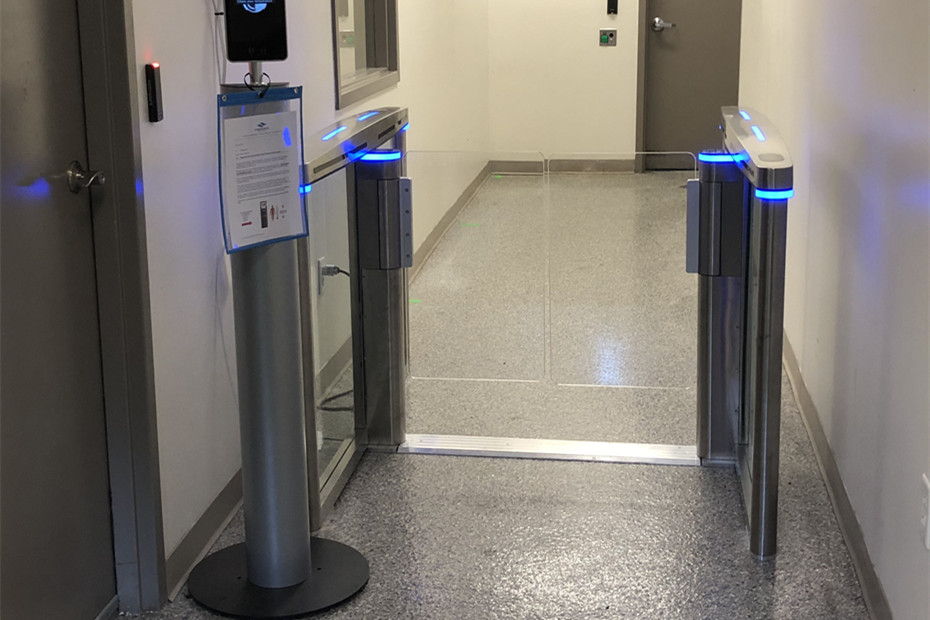
Read the Signs: Many turnstiles have simple pictograms or instructions posted nearby. When in doubt, look for these guides.
Ask for Help: If you are a guest or visitor and are unsure how to use a specific turnstile, it is always better to ask security or a staff member for assistance than to try and force your way through.
By following these simple steps and precautions, you can ensure a safe, efficient, and trouble-free experience every time you use a turnstile gate.
Need More Help?
For facility managers, proper maintenance is key to longevity. Learn more about keeping your equipment in top shape with our Complete Turnstile Barrier Gate Maintenance Guide.
If you have questions about a specific Mairs product or need technical support, please contact our team. We’re always happy to help.